Draw the raffle on every screen in the house.
TideCast runs the TVs in your venue. Raffles drawn live from a tablet, bingo called on the big screen, your specials, what's on, weather and tides, all playing on a schedule you set once.
The raffle becomes the show.
Your staff run the whole raffle from a tablet or at the bar. When they press DRAW, the winning number lands on every TV in the room with fireworks, a slot machine, a ball cage or a boat race. Then a claim countdown, then back to normal.
- Sell tickets on the tablet with price buttons ($5 for 5, $10 for 10, whatever you charge), or type in the paper ticket range.
- Print tickets on a USB or network receipt printer, set out with your club's name, logo and wording.
- Record member numbers at the sale. Swipe member cards at a bar computer in desk mode.
- Redraws are one tap with a reason: not here, not claimed, wrong ticket.
- A different look for each raffle, in your club's colours.
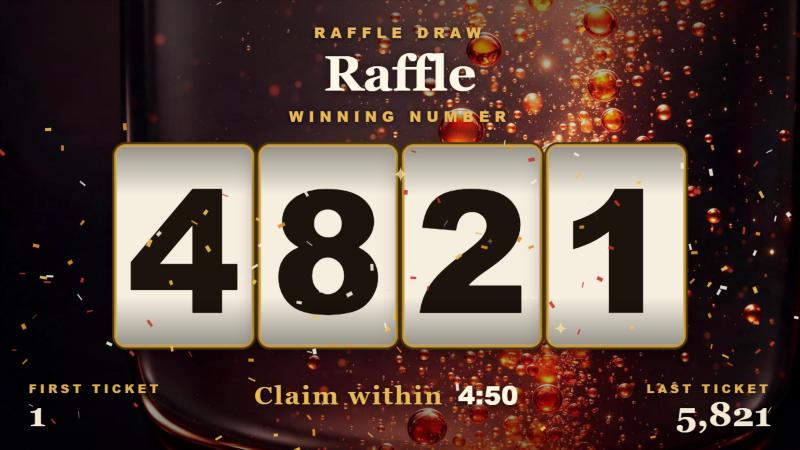
Sell
Big buttons, no training manual. TideCast numbers the tickets, prints them and keeps the takings.
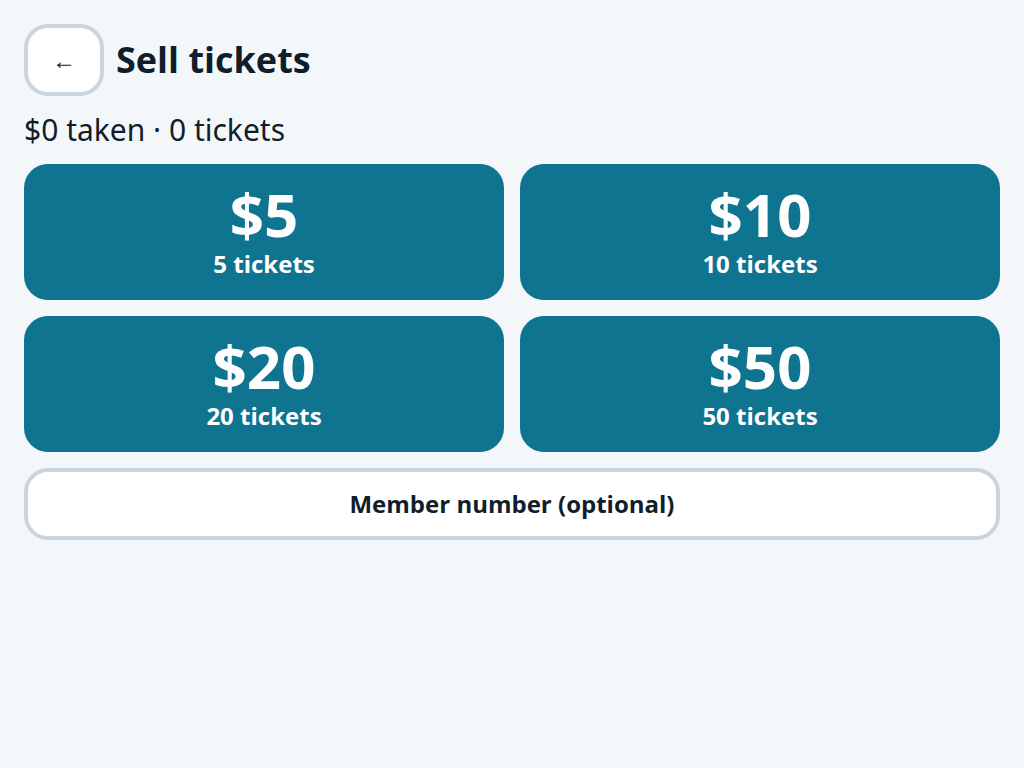
Draw
Pick the screen and the animation, tap DRAW. The tablet says "Look at the screen" while the room watches.
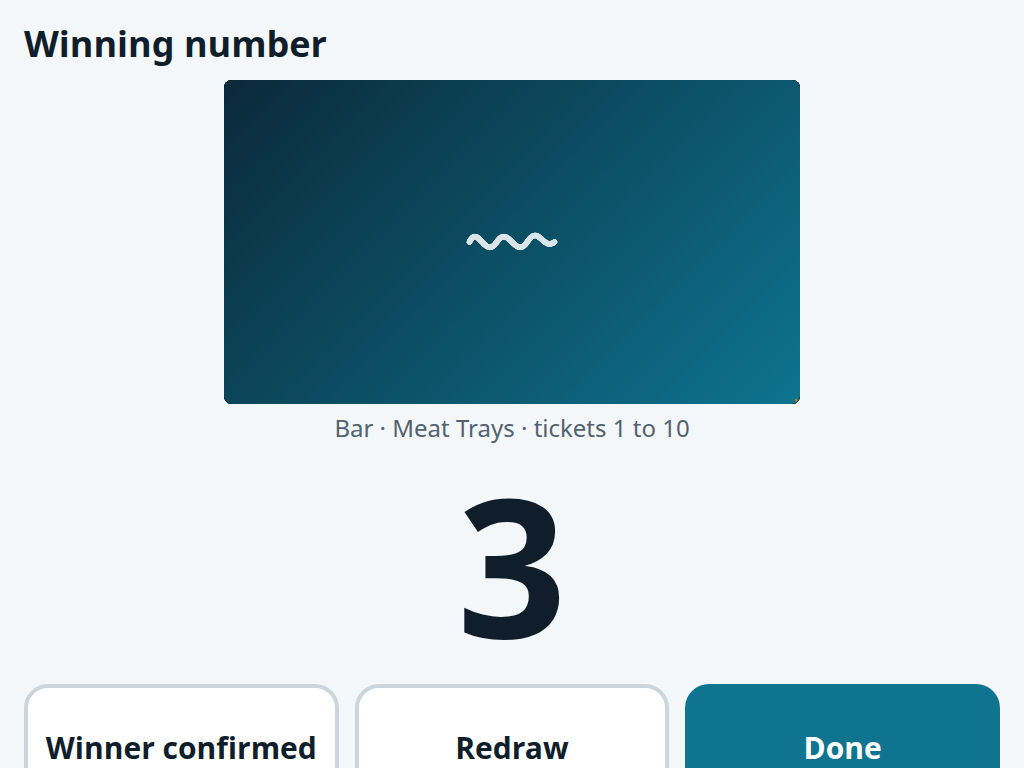
Report
Every sale and draw is written to a log that shows if anyone tampers with it. Export to Excel for the auditor.
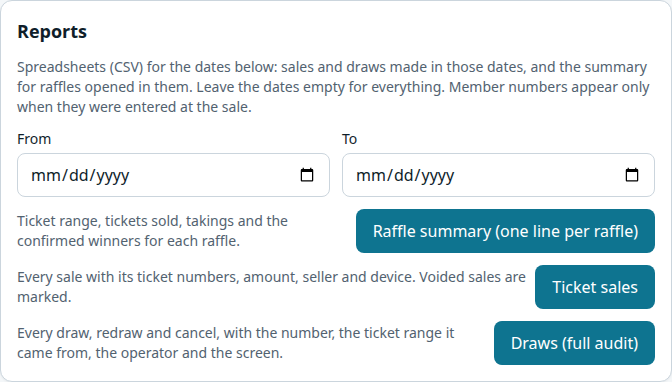
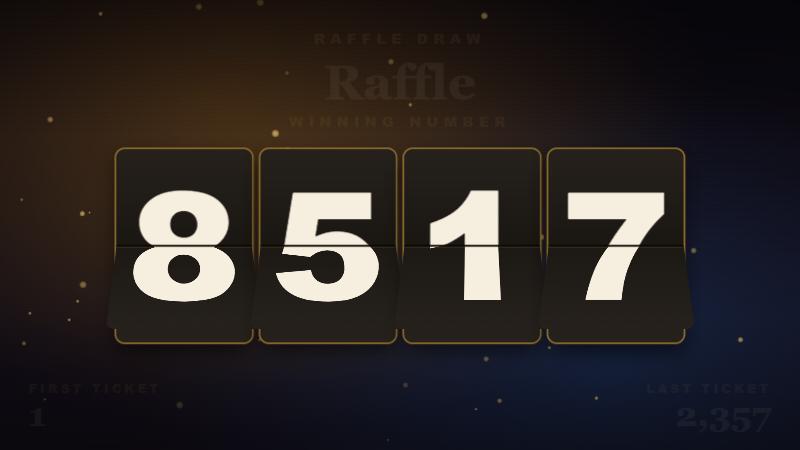
Ten ways to reveal a winner


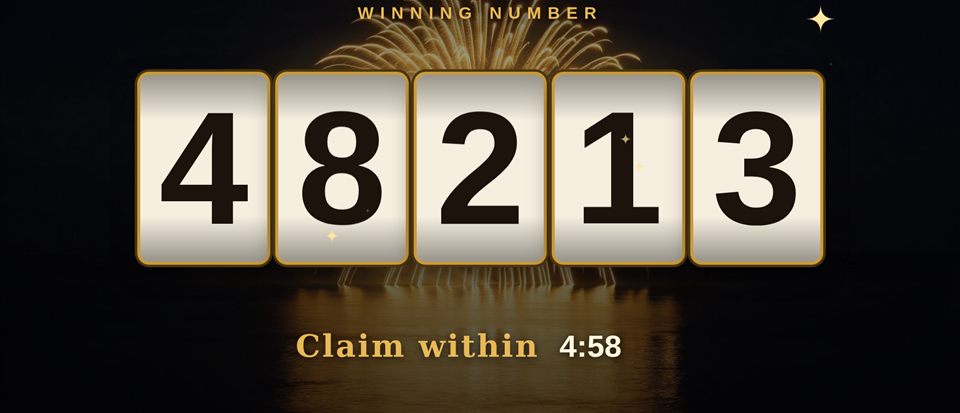
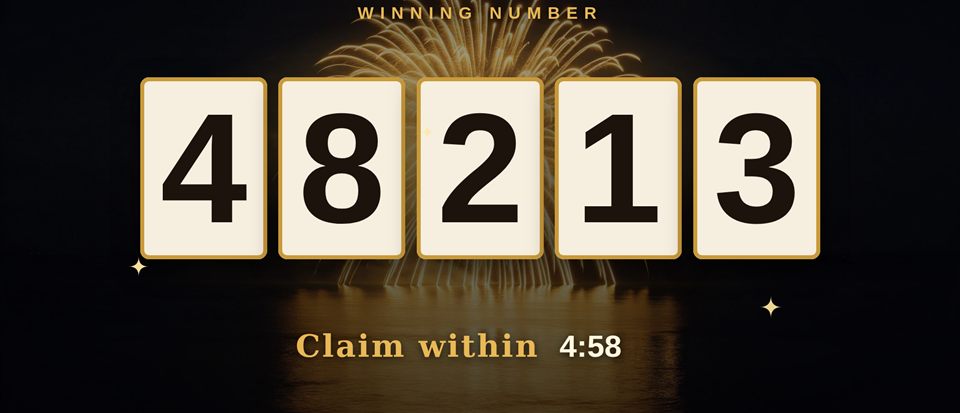
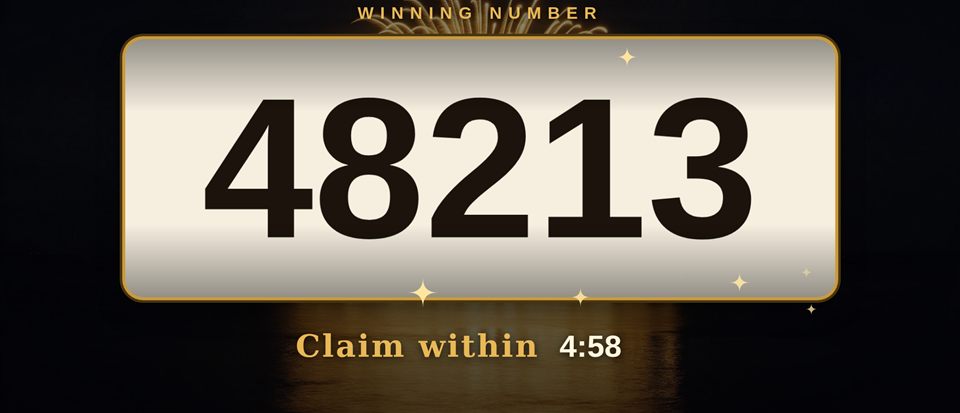
Pick a background for each raffle: Harbour night, Gold stage, Ocean surf, Raffle red, Seafood blue, Golf course at dusk, or your own artwork with your club's colours and fonts.
Eyes down on the big screen.
The caller board goes up on your TVs so every table can see the number, the board and the last five called. Call by hand, or switch on auto-call and let TideCast read the numbers out.
- 90-ball board with colour-banded balls the whole room can read.
- Standard games, one line, top line, four corners, early five and full house.
- Jackpot house: "House in 45 calls or less" counts down on screen.
- Spoken calls and the traditional nicknames, at slow, normal or fast pace.
Try it. Press Draw number.
Set it once. It runs every week.
Happy hour specials at 4pm, the lunch menu at noon, the weekend band on Friday night, the Christmas theme in December. TideCast knows the time, the day and the public holidays, so the right thing is on the right screen without anyone touching it.
A special in a minute
Type "Parmy and a pot, $20, Wednesday night". TideCast makes an animated slide in your venue's style. You check it and approve it.
Words that update themselves
Write "Trivia {when}" once. It says "Wednesday 7pm", then "Tomorrow 7pm", then "Tonight", then disappears when it's over.
Holidays already in
NSW public and school holidays are built in. Add a rule like "weekend nights on the Bar screen" and see the week ahead before you publish.
Upload, tag, done
Drag in photos and videos. Tag them "happy hour" and they only play at happy hour. Nothing goes on screen until a manager approves it.
Any TV, any shape
TVs plugged into the box, smart TVs on the network, portrait screens, LED panels, and video walls up to three screens wide.
Use the TV system you already have
Most clubs send TV around the venue through an HDMI modulator. TideCast plugs into a spare input and becomes one more channel, so every TV in the building can show it with no new wiring.
Dress the screens for the day
Christmas, Melbourne Cup, State of Origin. Switch on a theme for the day and every screen changes its look, then changes back.
See every screen at a glance
What each TV is showing right now and why, which screens are offline, and what's waiting to be published.
Drag and drop
Each screen gets its own channel. Drag slides, videos and live info onto the timeline. Publish when it looks right.
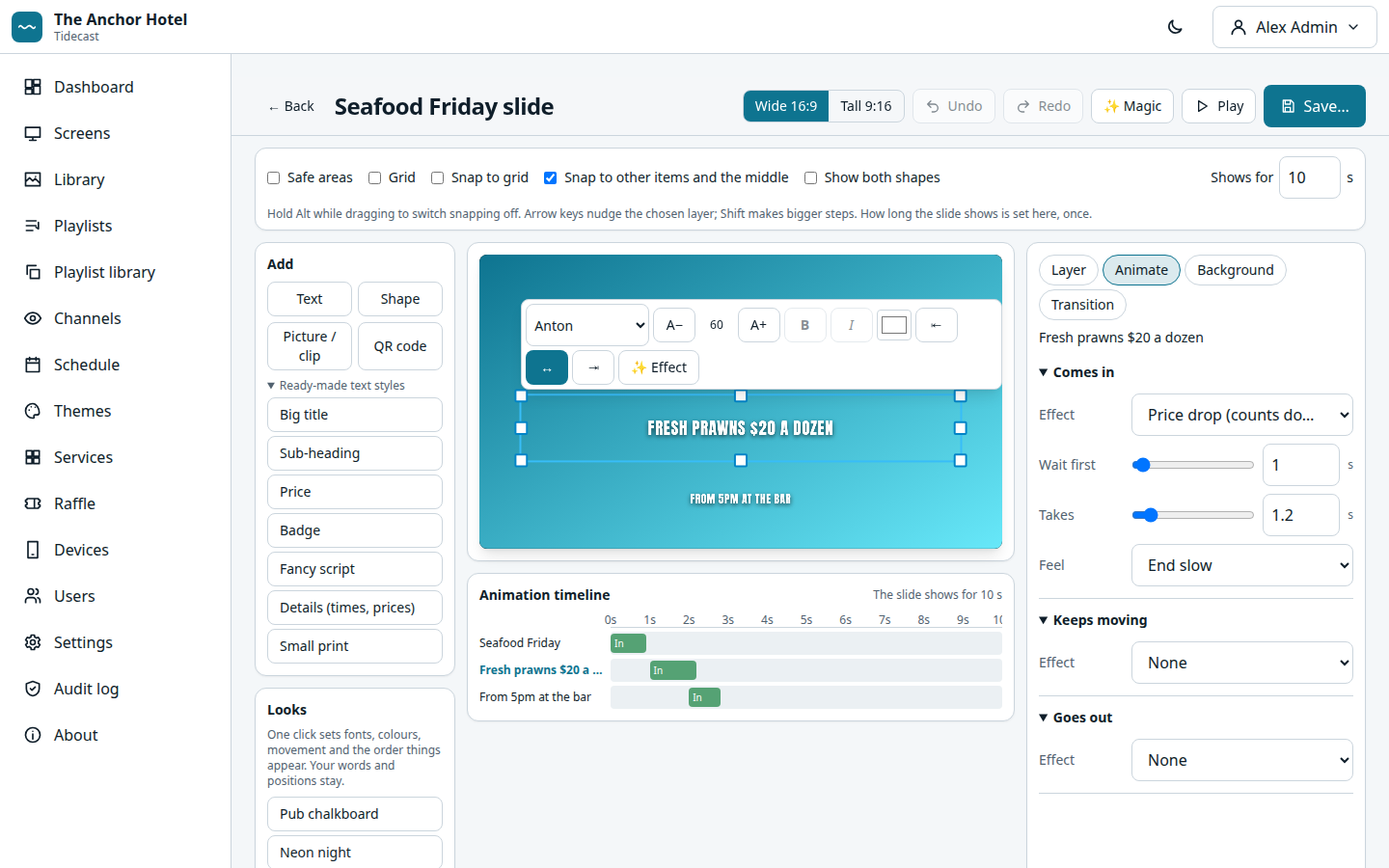
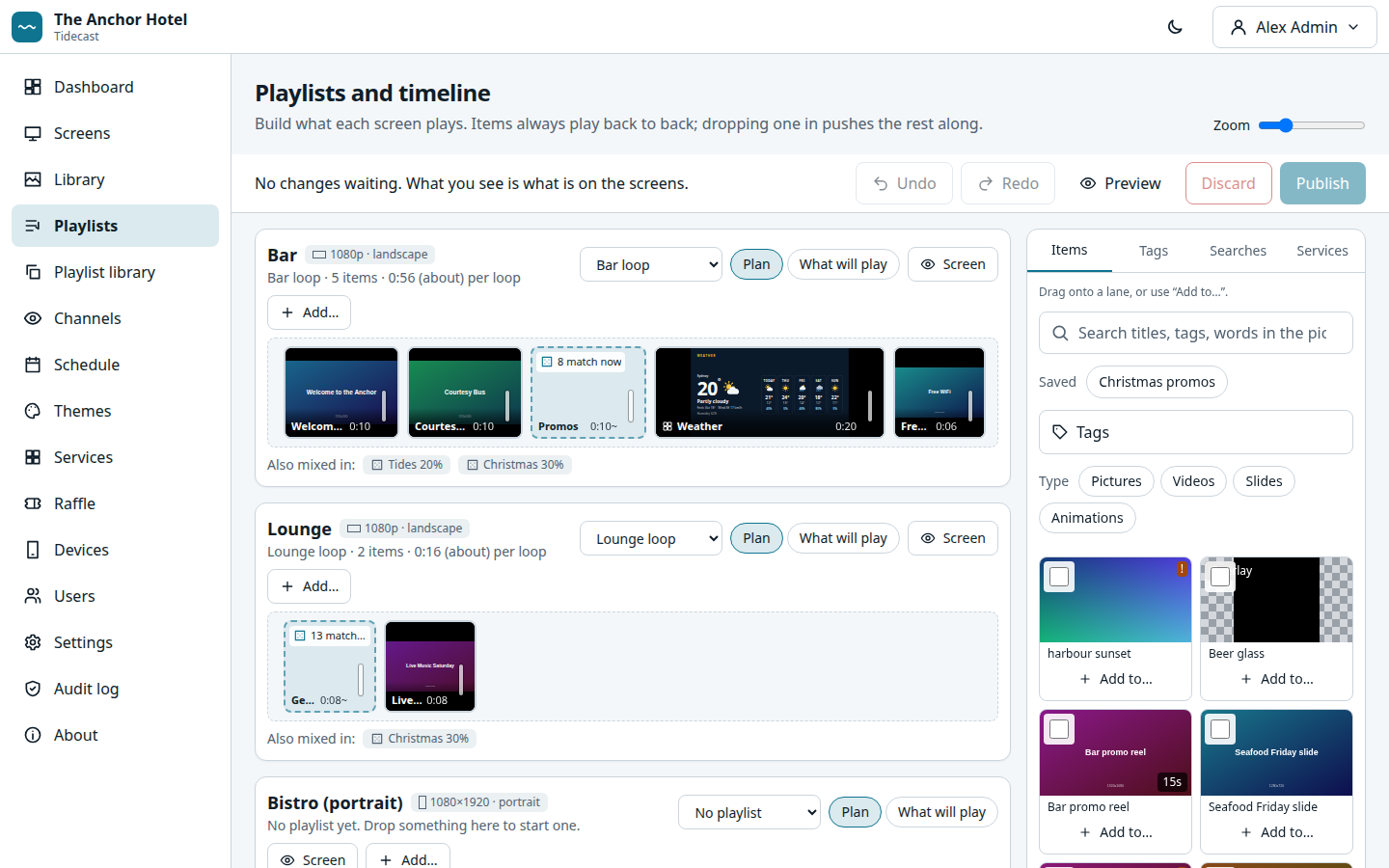
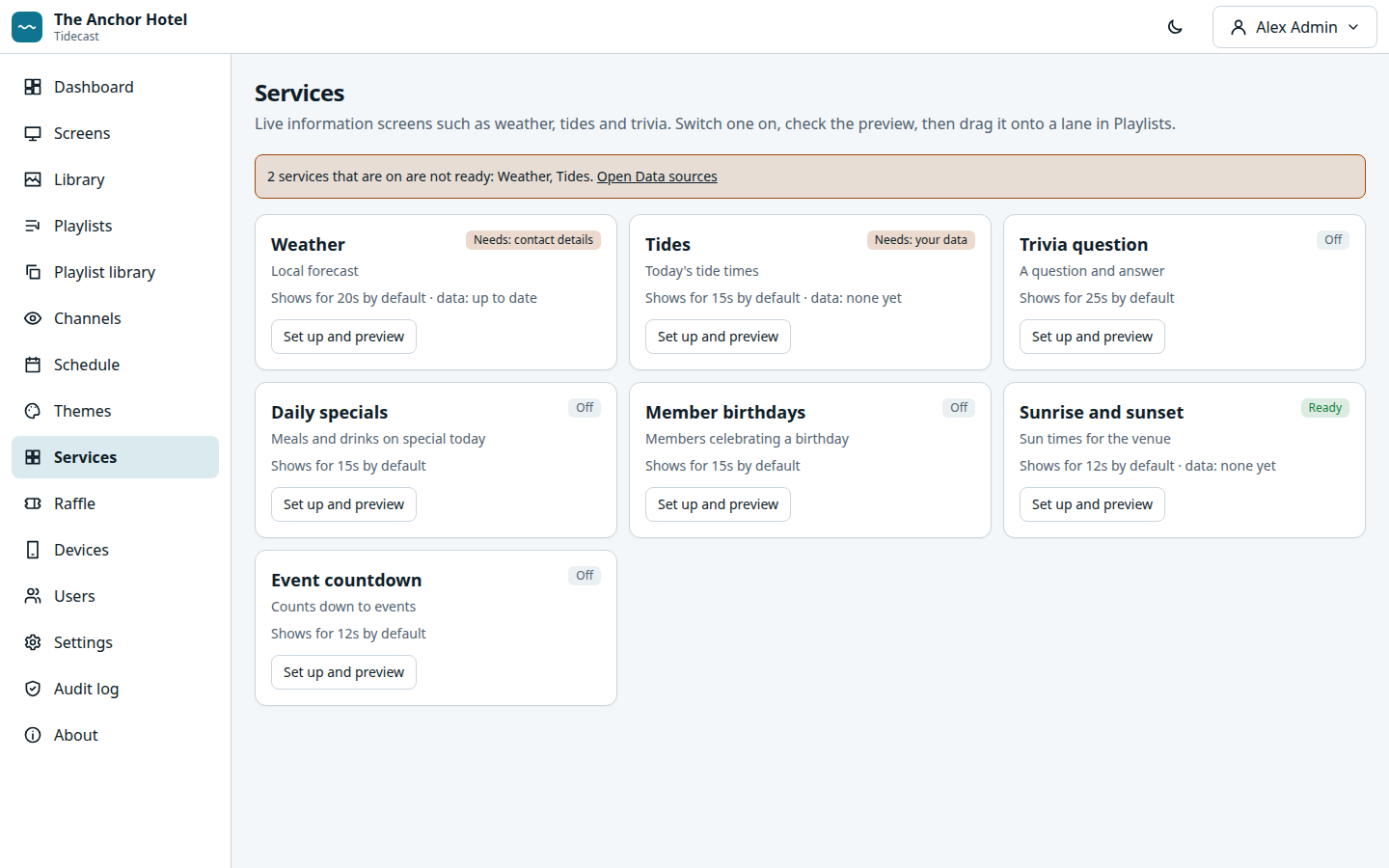
Slides that keep themselves up to date.
Drop a live slide into any playlist. TideCast fetches the data, draws the slide and keeps it current. If the internet goes down, the screens keep playing.
Something only your venue needs? We'll build it.
TideCast services are built to be added to. We've built a live golf leaderboard that reads the day's comp results, and honour boards that show your club's past champions, presidents and life members. Tell us what you'd like on your screens: the courtesy bus times, the bowls draw, the footy tipping ladder, the keno results.
Every screen, right on time.
Set an announcement once and it takes over the screens at the minute, with sound if you want it, then goes straight back to what was playing.
The Ode of Remembrance and the Last Post through the speakers, on every screen, every day.
The minute's silence, on 11 November, every year.
A clear notice on every TV, every night.
Car blocking the driveway? Type it, pick how long, it's on every screen.
We look after the box. We keep an eye on it remotely, update it, and back it up. If a screen drops off, you'll see it on the dashboard and we'll usually know before you do.
One box instead of three systems.
Most venues run signage from one company, raffles from another and bingo from a laptop. TideCast does all three, and they work together: the raffle takes over the screens, then hands them back.
| What you get | TideCast | Club signage & raffle systems | Cloud signage apps | POS raffle & draw modules | Bingo calling systems |
|---|---|---|---|---|---|
| Your specials and promos on every TV | Yes | Yes | Yes | No | No |
| Raffle sold and drawn from a tablet | Yes | Yes | No | Yes | Some |
| Printed raffle tickets with your branding | Yes, USB or network printer | Yes | No | Yes | Some |
| Winner revealed on every screen, then back to normal | Yes | Yes | No | Separate draw screen | No |
| Bingo caller board on the TVs | Yes | Some | No | No | Yes |
| Weather, tides, trivia, birthdays, what's on | Built in | Some, often as web pages | Add-on apps | No | No |
| Make a slide for a special with AI | Yes | Design service | Some | No | No |
| Public and school holidays in the schedule | Built in | Set by hand | Set by hand | No | No |
| Uses your in-house TV channel | Yes | Yes | No | No | No |
| Keeps running if the internet drops | Yes, box is on site | Varies | Plays cached content | Varies | Yes |
| Connects to your POS or membership system | Several supported, ask us | Some | Some, through data feeds | Their own POS only | No |
| How you pay | One monthly price per box, not per screen | Usually quote on request | Per screen, per month, plus players | Part of the POS contract | Hardware purchase |
Based on what vendors publish on their own websites, checked November 2026. Features differ between products and plans.
One monthly fee. The box is included.
No hardware to buy, no charge per screen, no separate licence for raffles or bingo, no surprise charges for updates.
- The TideCast box, sent to you and set up remotely
- Raffles, bingo, slides, schedules and every live info service
- Raffle reports and the full draw record
- Updates, backups and remote monitoring
- Phone and email support
What you'll need
- A spare input on your TV modulator, or a spare HDMI input on a TV
- A tablet or bar computer for raffles (any tablet with a web browser)
- Internet for live info like weather and news (raffles and slides keep working without it)
Connecting to your TVs. Most clubs already send TV around the venue through an HDMI modulator. TideCast plugs into a spare input on it and becomes one more channel on every TV, so there's no new wiring. No modulator? Plug the box straight into a TV's HDMI input. Any new cabling is done by you or your AV installer.
Questions venues ask
Do my staff need training?
Not much. The raffle tablet is big buttons and few words: tap the raffle, tap SELL, tap DRAW. Most staff have it after one raffle.
What if the internet goes down?
The box lives in your venue, so slides, schedules, raffles and bingo keep running. Live info like weather shows the last good data, then a plain slide, and never a blank screen.
Can we use our existing TVs?
Yes. If your TVs get their channels from an HDMI modulator, TideCast plugs into a spare input and every TV can tune to it. You can also plug the box straight into a TV, and smart TVs can show a channel through their own browser.
Is the raffle record good enough for an audit?
Every sale, draw, redraw and cancel is written with who did it, on which tablet and when. The log shows if anything has been changed, and exports to Excel.
Can we print our own tickets?
Yes. Plug in a USB receipt printer or use one on your network, and TideCast prints each ticket with your club's name, logo and wording. Prefer paper ticket books? Type in the first and last numbers and draw from that range.
Does it work with our POS or membership system?
TideCast connects to a number of POS and membership systems. Tell us which one you use and we'll let you know what it can do with yours.
Does someone need to come out to install it?
No. We send you the box. You plug it into your TV modulator or a TV, and into your network, and we set up the rest remotely.
Who makes the slides?
You can, in the slide editor or with an AI slide in about a minute. Nothing plays until a manager approves it.
Try it on your own TVs.
We'll send you a TideCast box. Plug it into a spare input on your TV modulator (or straight into a TV) and into your network, and that's your part done.
From there we connect remotely. We set it up with your logo, your specials and your raffles, then talk you through your first draw and a game of bingo over the phone. If you ever need a hand after that, we can log in and help in the same way.